10 SEO Software Platform Options for Shopify Stores
Compare 10 SEO software platform options by capabilities, use cases, and Shopify fit, from keyword research to publishing and reporting.
Published 11 min read
In this article
A Shopify blog involves more than finding keywords and tracking rankings. Someone still has to write the article, edit it, add images and product links, and publish it. That's why choosing SEO software based on feature lists alone can be misleading.
This guide compares SEO platforms based on how well they support a Shopify content workflow, from keyword research to publishing. It looks at which tools help with the actual work and which focus mainly on research, site audits, or reporting, leaving the rest to you.
This guide compares ten options by core capabilities, ideal use cases, and fit with a Shopify content workflow. Research suites still matter when you need competitor data or a rank history, and a short list of 12 SERP tracking tools to consider helps if position tracking is the only missing piece. They do not close the Sunday gap on their own. Some tools find the opportunity. Some check the site. One publishes the blog from inside Shopify admin.
If the store has no in-house writer, start with the publishing bottleneck. Add a specialist crawler or backlink tool only after posts are already going out every week.
Table of Contents
- 1. Rankira
- 2. Semrush
- 3. Ahrefs
- 4. SE Ranking
- 5. Moz Pro
- 6. Surfer
- 7. Mangools
- 8. Serpstat
- 9. Screaming Frog SEO Spider
- 10. BrightEdge
- How the ten platforms compare on use case, Shopify blog publishing, and free access
- Matching the Platform to How Your Store Actually Publishes
1. Rankira
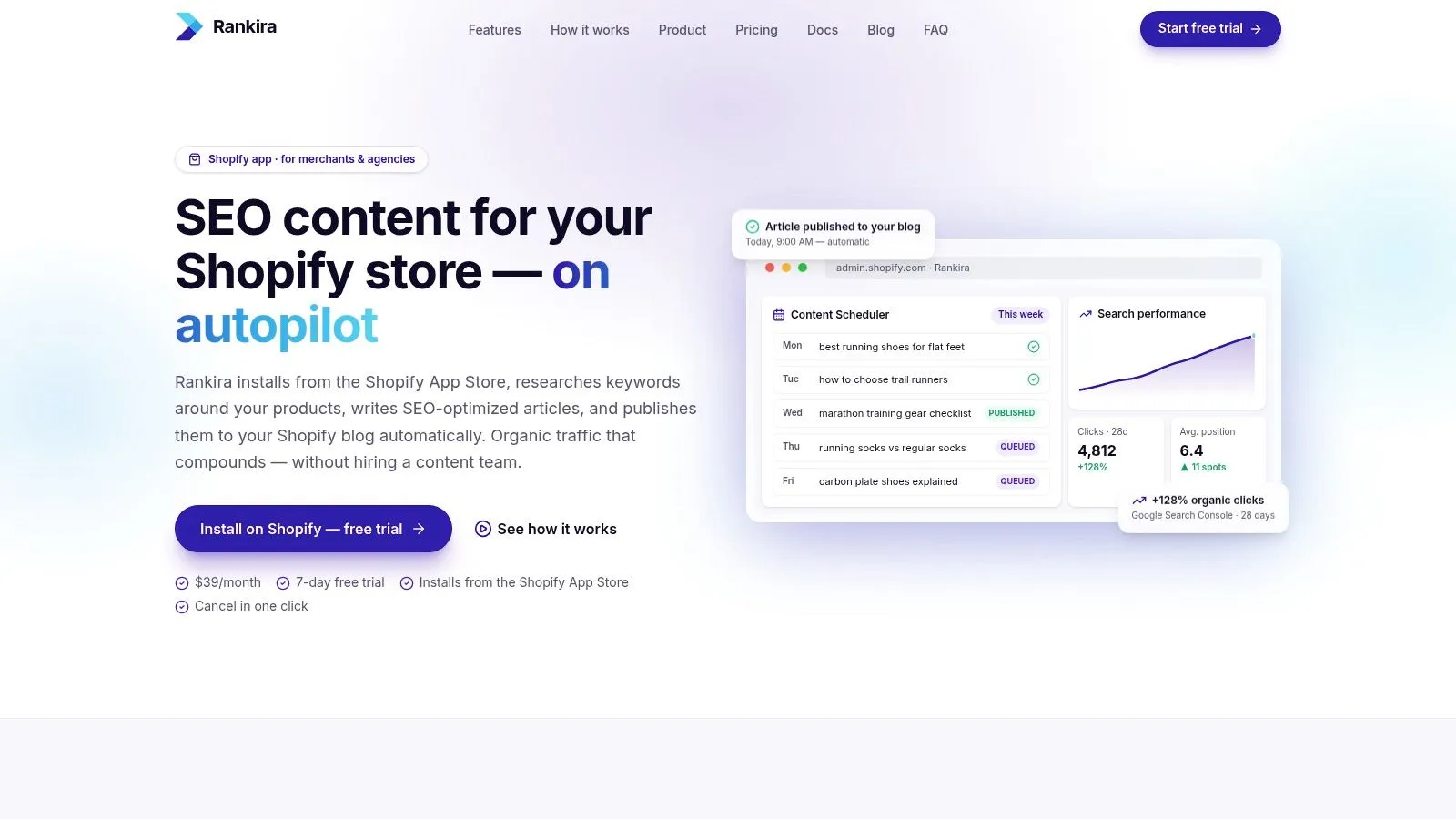
Rankira handles the Shopify blog workflow inside Shopify admin: it researches keywords around a store's products, writes articles, and publishes them to the store's blog or saves them as drafts. Installation takes one click from the Shopify App Store, with permission approval and no separate hosting or configuration. The app reads products and writes blog content and files, without requesting access to customer, order, or payment data.
Research draws on the store's products, collections, pages, competitor analysis, and Google Search Console data to find keywords with search volume and difficulty scores. Search Console can be connected during setup or later. Articles include headings, a featured image in one of five styles, a meta description, a clean URL, tags, and internal links to relevant products, collections, and pages. Optional product cards and a closing call to action can direct readers to a product or collection. Merchants can schedule publishing up to seven days a week or save articles as drafts.
Rankira also includes 12 writing tones, support for more than 150 languages and over 190 target regions, a rich-text editor, and an AI section rewriter. With Search Console connected, the Home dashboard shows clicks, impressions, and positions; it also tracks Ahrefs Domain Rating.
What the monthly plan changes
Rankira has one Standard plan at $39 per month, billed through Shopify. It includes keyword research, unlimited article generation on your schedule, auto-publishing, internal linking, the backlink exchange, AI images, and the Search Console dashboard. The seven-day trial gives full access, and cancelling before it ends means no charge. Published posts and drafts remain in Shopify if you uninstall the app.
The workflow reduces manual production steps, but generated drafts still need a fact check and a brand edit. Rankings are not guaranteed, and Search Console can take a couple of days to collect data after connection. Use the trial to assess how well the topics and drafts fit your own products.
Practical rule: Auto-publish low-risk catalog explainers. Route regulated products, new claims, and translations through draft review first.
Shopify-native workflow: Research, editing, scheduling, publishing, and performance charts are available within Shopify admin.
Cadence control: Schedule up to seven posts a week, or save drafts for review.
2. Semrush
Semrush is the broad platform agencies open when one store's blog is not the only job. Keyword research, competitor gaps, rank tracking, site audits, backlinks, content tools, and reporting sit in one subscription. Depth changes with the toolkit and plan.
In the 2024 SEOFOMO survey of 337 SEO specialists working independently or in agencies, Semrush received 198 responses among the leading tools for consultancy work, as the SEOFOMO consulting survey reports. That fits teams who already reconcile crawls and rank files outside the store. It does not publish into Shopify admin.
Use it when competitor and channel analysis has to sit next to SEO research. Skip it as the only tool if the calendar is empty, because the article still leaves the platform by hand. A practical view of that handoff is in this website SEO software walkthrough.
Research depth: Keyword, competitor, audit, and backlink views in one place.
Team fit: Several sites and channels, with a real learning curve.
Shopify gap: No admin publishing. Price depends on the toolkit you pick.
3. Ahrefs
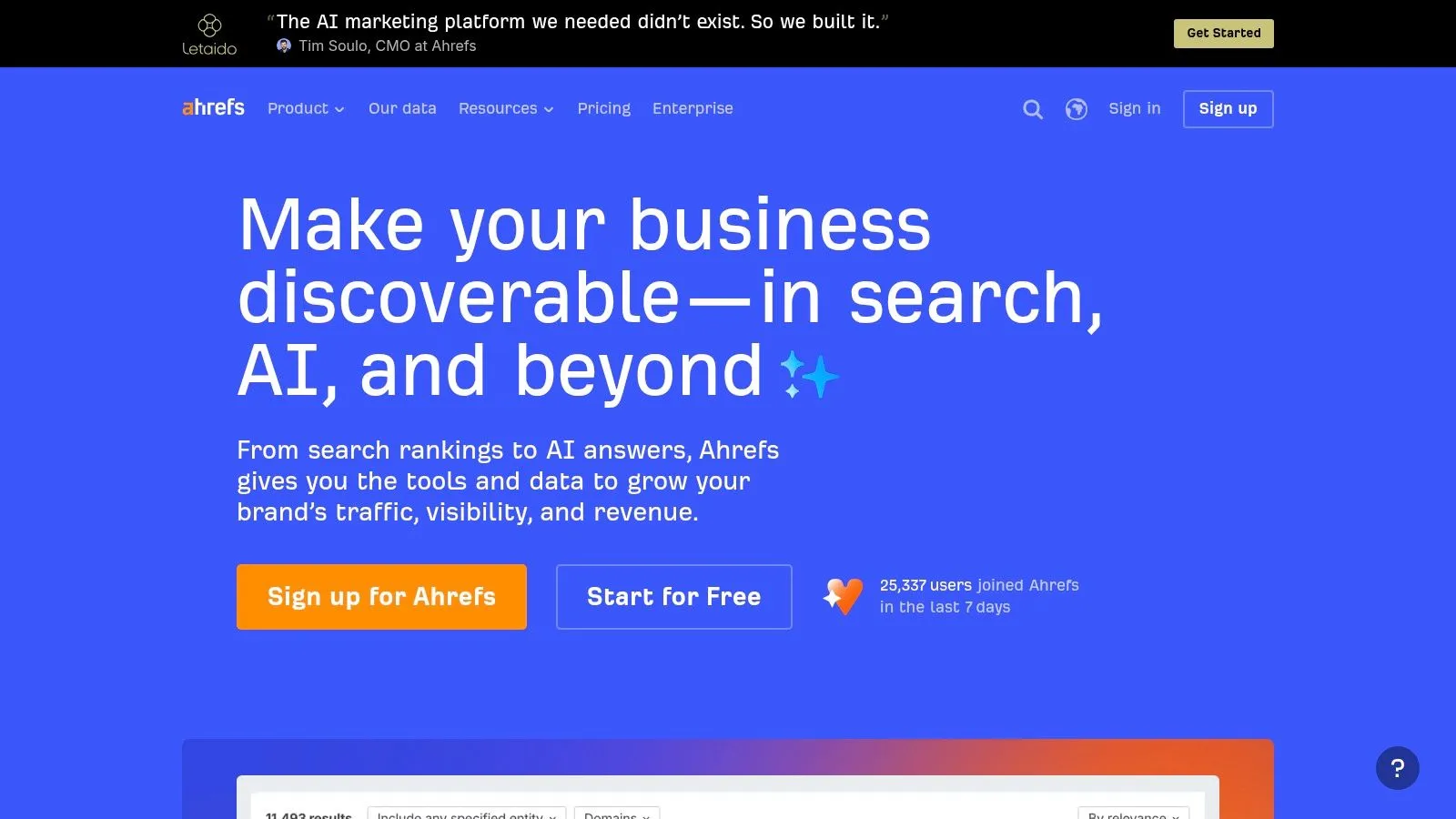
When the question is who links to the competing store, Ahrefs is the specialist. Site Explorer, Keywords Explorer, Site Audit, and Rank Tracker cover the research loop. Content Explorer and Brand Radar appear on applicable plans or as add-ons. Historical depth varies by subscription, and verified sites get limited free access.
Modern search reporting still tracks clicks, impressions, click-through rate, and average position across queries, pages, countries, devices, and search-appearance types, as SEO Stack's Search Console explainer lays out. Ahrefs is strong on the competitive side of that loop. It is not the place those Shopify clicks get turned into a published post.
Paid plans get expensive if a small catalog only opens a few reports. Credits and limits change by tier. Export the opportunity list, then write in the store. Do not expect the link database to fill next month's calendar.
Backlink priority: Strong competitor and link intelligence, plus historical views.
Cost shape: A small store can overpay for unused modules.
Publishing: Not part of the product. Articles do not go straight to Shopify.
4. SE Ranking
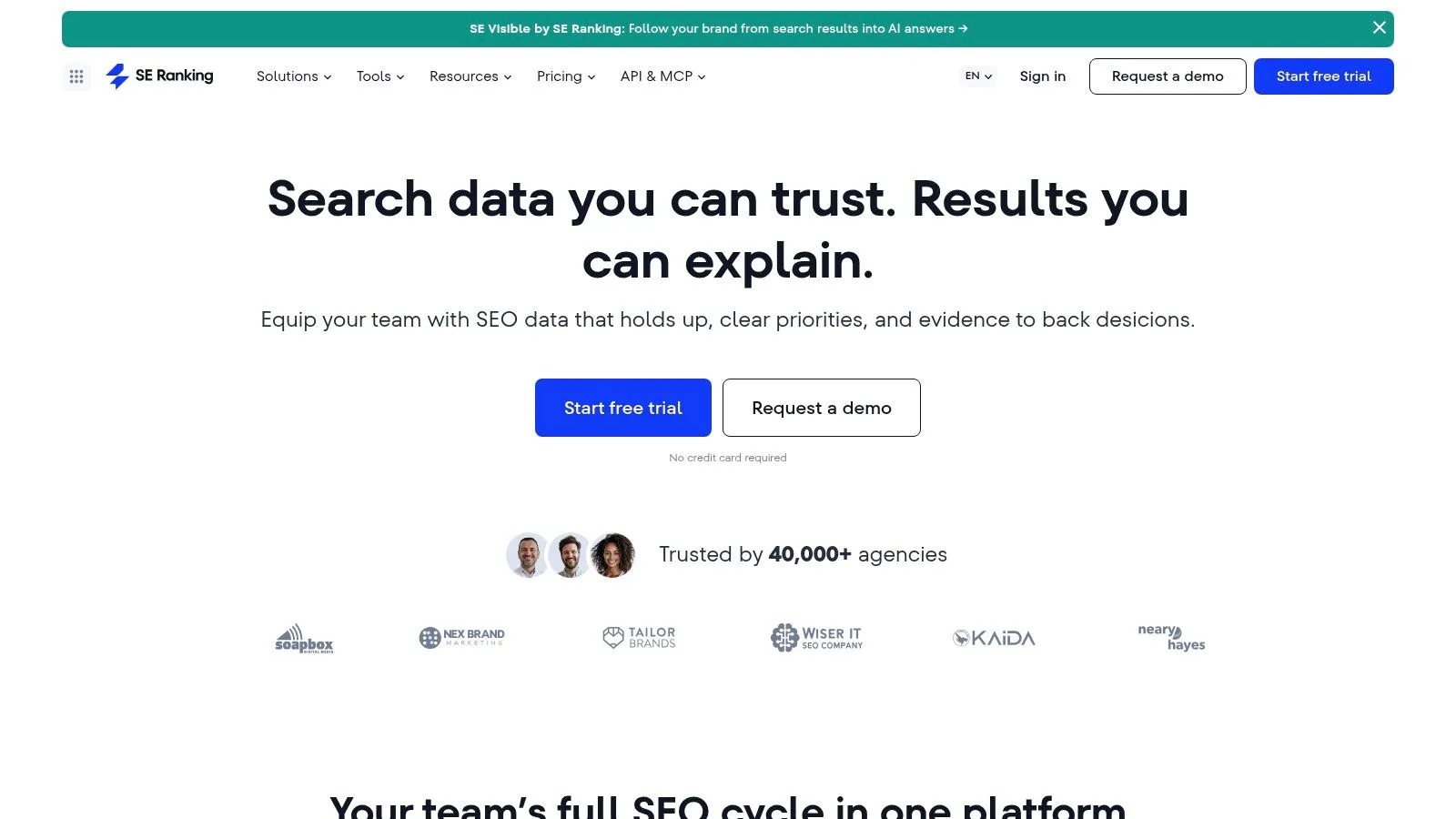
Agencies running several Shopify clients often want one suite for research, rank tracking, audits, backlinks, content tools, local SEO, and reporting. SE Ranking is built for that seat. Plan limits and inclusions are published on its subscription page, which makes a side-by-side check possible before you commit.
Cloud delivery dominates the category. One 2025 estimate says cloud-based deployments represented 72.6% of SEO software revenue that year, while agencies represented 37.6% of end users, in a GlobeNewswire market note. A browser suite matches how those teams already work. It still is not a Shopify article workflow.
If local packs matter next to the blog, compare methods in this SEO competitor analysis note before you add another login. For one merchant, the feature set can be more than the week requires.
Agency coverage: Research through reporting, including local tools on relevant plans.
Solo merchants: Easy to buy capacity you will not use.
Content handoff: Drafting and publishing to Shopify are not the core job.
5. Moz Pro
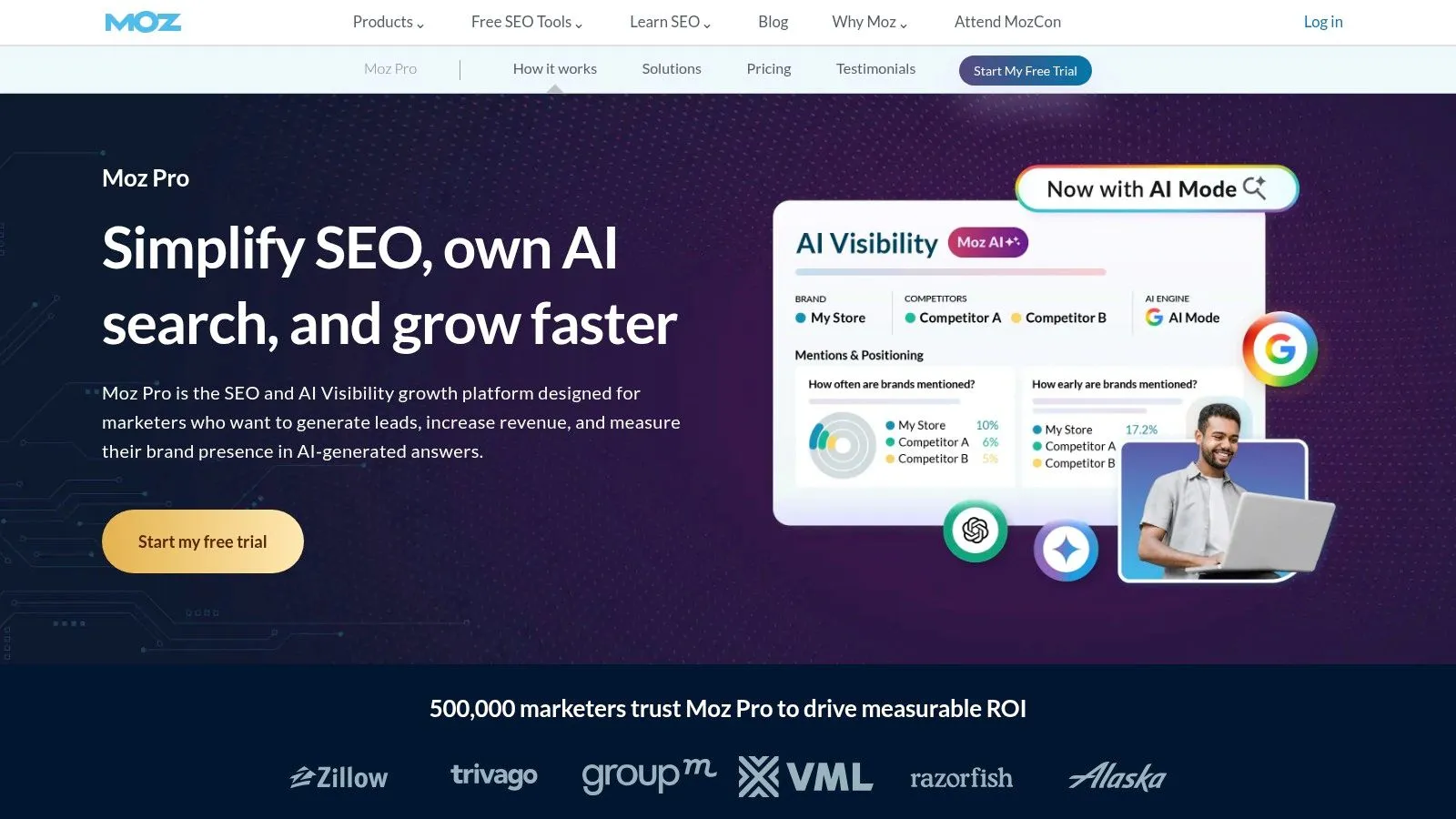
Moz Pro is the guided research desk. Keyword research, rank tracking, site crawling, on-page checks, link research, and MozBar Premium cover the fundamentals. Some plans add AI visibility and content briefs. Onboarding and free tools sit beside paid tiers, which helps operators who are still learning the vocabulary.
Measurement habits still lean on analytics, not the blog editor. In 2025, 57.6% of surveyed U.S. marketers used Google Analytics to measure organic growth, in a survey of 170 marketers by Omniscient Digital. Moz will not replace that reporting stack, and it will not run a Shopify blog calendar.
Site, keyword, and user limits move with the plan. Advanced capacity costs more. Treat Moz as the place you learn what to fix, then publish elsewhere. Teams that need a reporting rhythm can start from these SEO report templates and keep crawl findings next to the numbers a client reads.
Moz teaches the checks. It does not ship the post.
6. Surfer
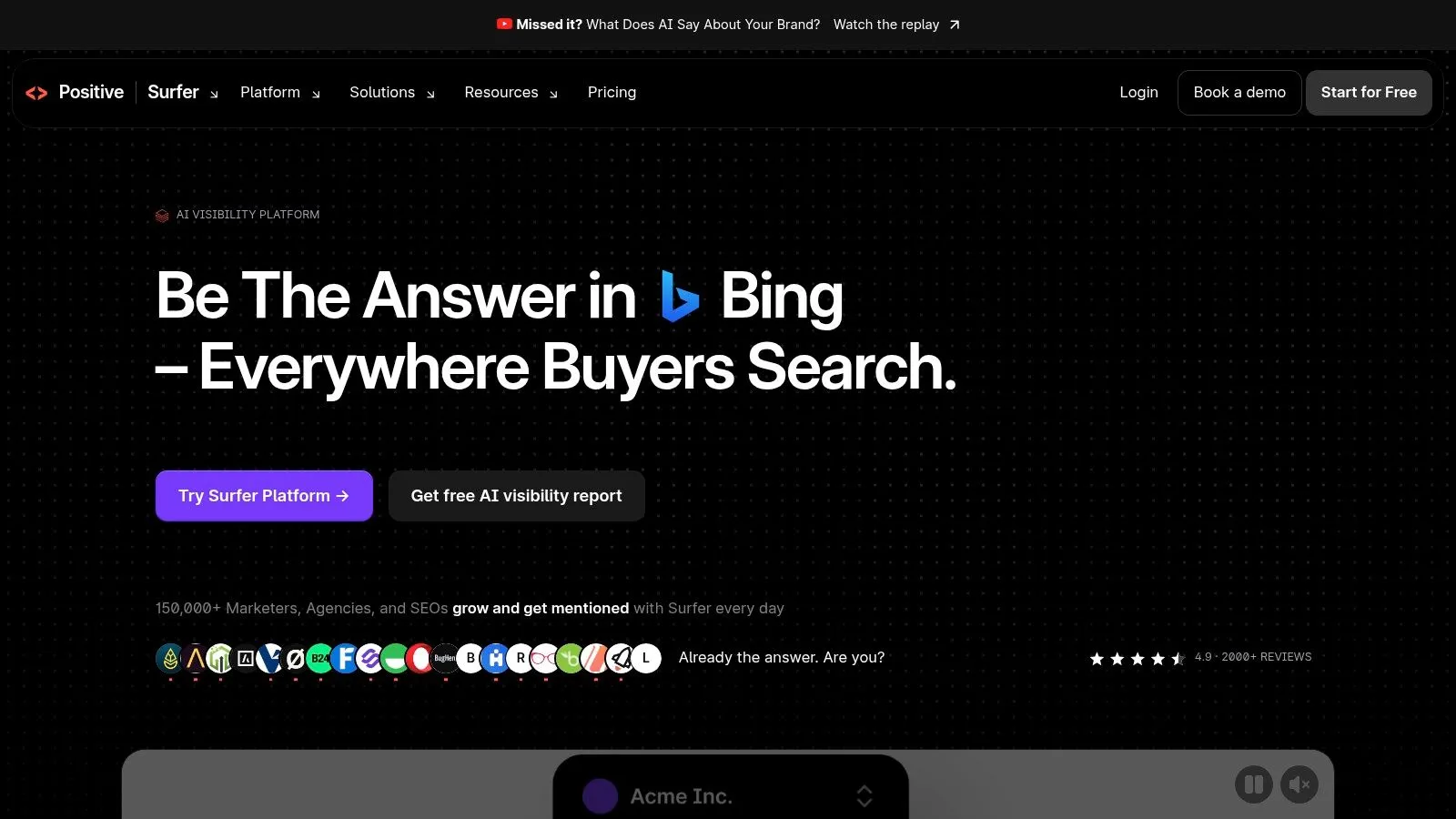
Surfer is for the draft you already intend to write. It studies search results and competing pages, then scores the article while you edit. Keyword research, topical planning, AI writing, and content audits depend on the plan. Eligible subscriptions add collaboration. New accounts get a seven-day Pro trial.
In 2025, 75% of surveyed business owners used AI tools to generate store content, according to Shopify's survey of store owners. Surfer fits that production habit, with a catch. The finished file still has to be pasted into Shopify, illustrated, linked, and scheduled. It is not a native publishing tool, and occasional publishers can overpay for usage limits.
A store that publishes buying guides every week will feel the editor. A store that publishes twice a quarter will not. For the handoff between optimization and the catalog, see this note on SEO content marketing.
Editor-first: Written-content optimization, not every SEO specialty.
Trial: Seven days of Pro for new accounts.
CMS gap: You still publish and schedule inside Shopify yourself.
7. Mangools
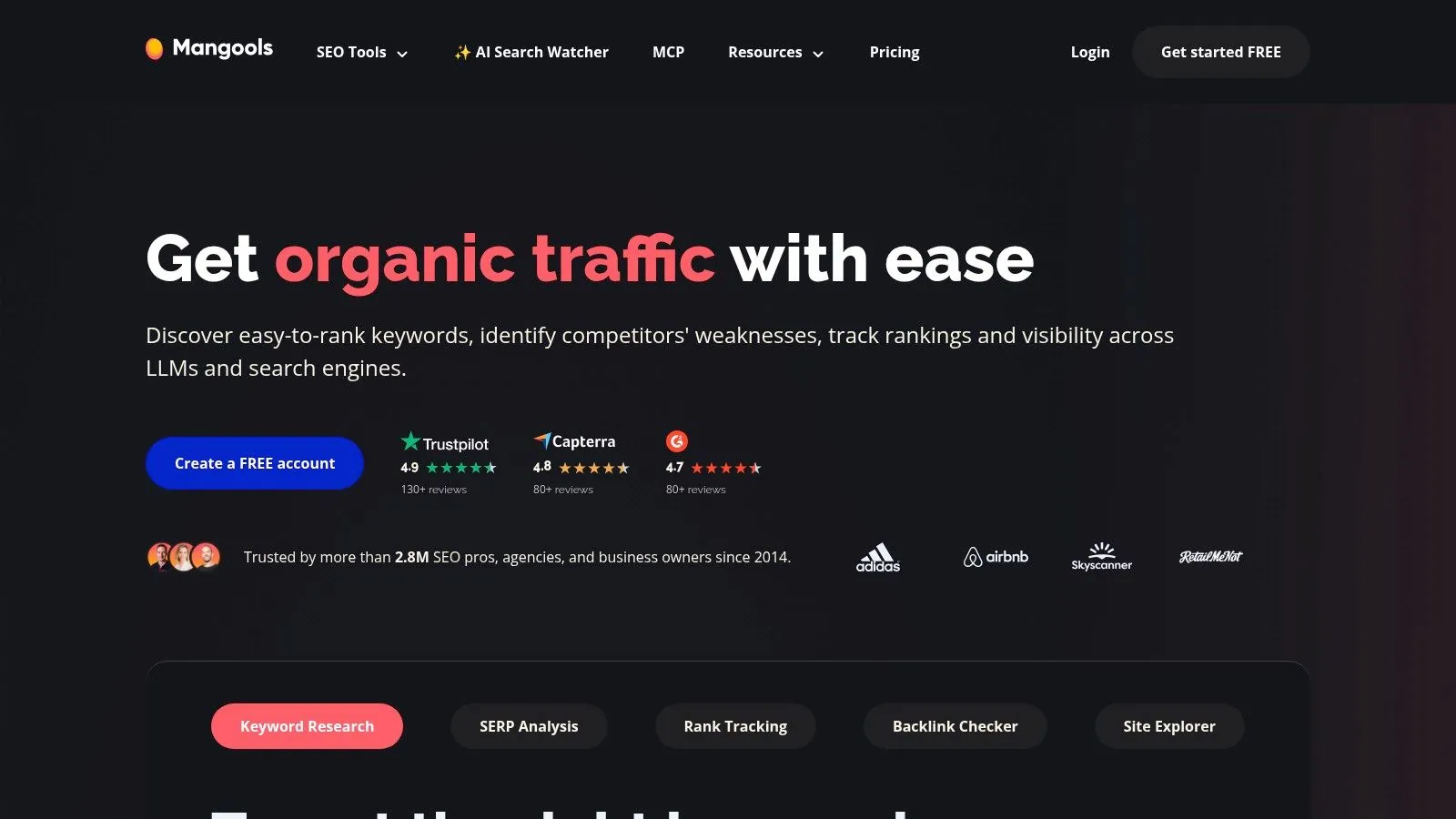
Mangools is a smaller toolbox, not an enterprise console. Five apps cover the early research jobs. KWFinder suggests keywords and difficulty. SERPChecker reads the results page. SERPWatcher tracks ranks. LinkMiner and SiteProfiler handle backlinks and domain metrics. A free account with limited usage lets a new operator try the interface before paying, and annual billing can discount the monthly rate.
Daily lookup and tracking caps apply, so a multi-store agency will hit the ceiling faster than a single catalog. Technical audits and large client workflows are thinner here than in the all-in-one suites. There is no native Shopify writing or publishing path.
Start here if the fear is the interface, not the missing blog post. Move on once you know which keywords deserve a draft. Staying forever means the spreadsheet on Sunday night never goes away.
Entry point: Clear keyword and SERP research without an enterprise contract.
Limits: Daily lookups and tracking caps on paid plans.
Missing piece: No blog calendar, drafts, or Shopify publish button.
8. Serpstat
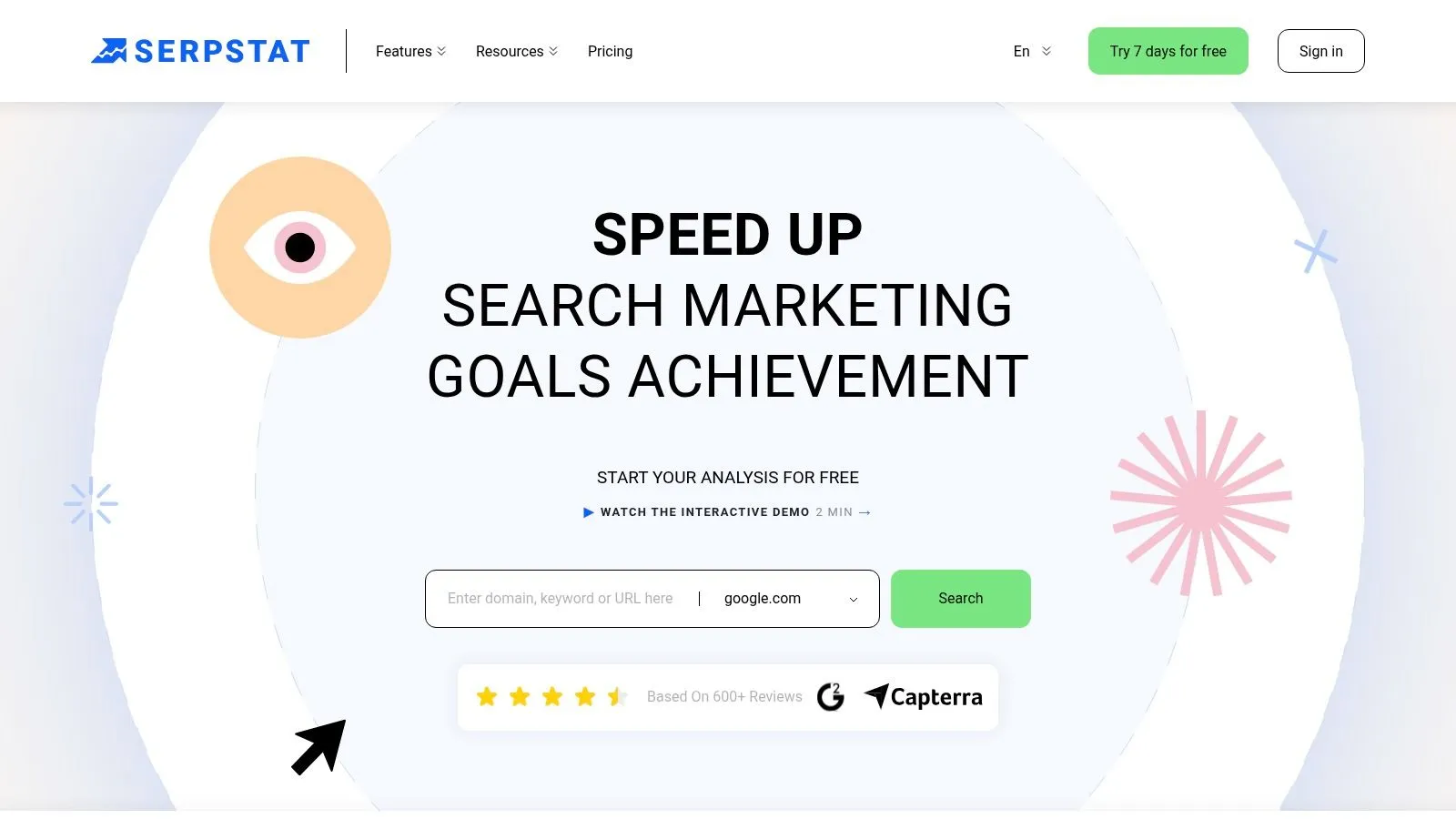
Serpstat bundles keyword research, competitor analysis, rank tracking, site audits, backlink checks, and keyword clustering. Plans run from individual users to agencies. Higher tiers add collaboration, an API, and scheduled reporting. Plan information includes a seven-day trial. Read the renewal terms before the week ends, because a forgotten trial is an expensive way to learn the product.
Credits and report limits change by plan and will shape how often you can pull data. That matters for an agency refreshing several stores on Monday. It matters less for one merchant checking a handful of collection terms.
The suite is a research and audit desk. It does not draft Shopify articles or publish them. Use it to cluster topics and spot technical issues, then move the chosen keywords into whatever writes the blog. Buying it to "get content done" leaves the same half-finished guide open on Sunday.
Range: Core research, audits, and reporting, with API access on higher tiers.
Watch the meter: Credits and report caps vary, and trial renewal needs a calendar reminder.
Not the CMS: No Shopify-native drafting or publishing.
9. Screaming Frog SEO Spider
Screaming Frog SEO Spider is a desktop crawler, not a content platform. It scans URLs for broken links, redirects, metadata problems, duplicates, and structured-data issues. A paid license adds JavaScript rendering and connections to Google Analytics, Search Console, and PageSpeed Insights. The free version crawls up to 500 URLs, which covers a small catalog and fails a large one.
Search diagnostics have worked this way for a long time. Google launched Sitemaps on 2 June 2005, and by November that year the service already included crawl statistics and errors, as Peter Martin's Search Console history records. A crawler is still how you see whether those errors are blocking the posts you publish.
You run the crawl on your own machine and interpret the export. There is no keyword calendar, no article generator, and no CMS publish step. After a crawl, use an internal linking audit to see whether new posts point at products and collections.
Technical companion: Titles, redirects, broken links, and duplicates across the theme.
Free ceiling: 500 URLs before a paid license.
Scope: A specialist crawler. It will not write or schedule the blog.
10. BrightEdge
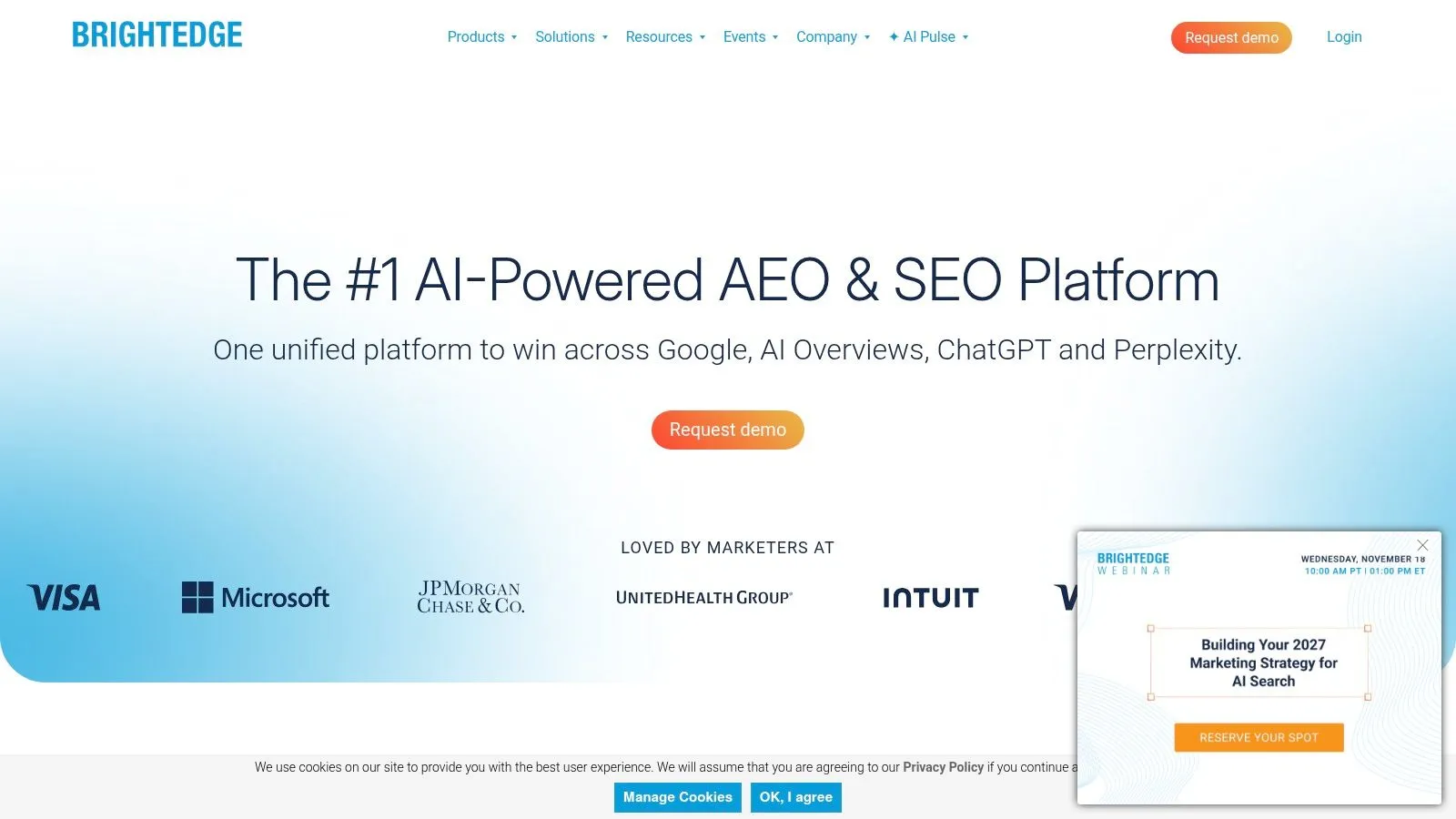
BrightEdge targets enterprise organizations managing several domains, teams, and markets. It brings keyword and page-level reporting, content priorities, and technical insights into one platform. Pricing is not a simple self-serve subscription.
For a Shopify merchant, the trade-off is scale versus publishing workflow. BrightEdge does not provide a Shopify-native blog production workflow, so content still needs to be written and published separately. Leadership reporting and professional services may suit a multi-market program, but they do not take routine blog work off a small store's plate.
Built for complexity: Multi-domain tracking and executive reporting.
Buying motion: Custom pricing and services rather than a one-click app install.
Poor fit for a small store: Enterprise reporting adds little value if one person manages the catalog and blog.
How the ten platforms compare on use case, Shopify blog publishing, and free access
| Item | Best for | Publishes to Shopify blog | Free access or trial |
|---|---|---|---|
| Rankira (recommended) | Shopify-native SEO content creation and publishing | Yes | Seven-day free trial |
| Semrush | Broad SEO research and digital marketing | No Shopify-admin publishing workflow | Not specified |
| Ahrefs | Backlink and competitor research | No | Limited free access for verified sites |
| SE Ranking | All-in-one SEO work for agencies and marketing teams | Not its core workflow | Not specified |
| Moz Pro | Guided SEO research and monitoring | No automated Shopify blog publishing | Free SEO tools available |
| Surfer | SEO content optimization | No Shopify-native publishing | Seven-day Pro trial for new accounts |
| Mangools | Accessible keyword and SERP research | No native Shopify blog workflow | Free account with limited usage |
| Serpstat | Combined SEO research, audits, and reporting | No Shopify-native publishing | Seven-day trial |
| Screaming Frog SEO Spider | Technical SEO crawling and diagnostics | No content generation or CMS publishing | Free version for crawls up to 500 URLs |
| BrightEdge | Enterprise SEO across complex sites and markets | No Shopify-native blog workflow | No simple self-serve free option specified |
Matching the Platform to How Your Store Actually Publishes
Start with the bottleneck. If the blog is not getting written or published, a research tool or a crawler will not fix it. A platform that drafts, links, and publishes inside Shopify admin addresses that gap. If backlink intelligence or technical crawling is the priority, pair a specialist with the publishing process you already run. Do not swap the writer for another dashboard.
Judge any option over a sustained period. Give it two to three months of consistent publishing before you decide it is working, because SEO compounds slowly. A week of drafts only proves the workflow. It does not prove demand. Track whether scheduled posts publish, whether they earn internal links to products, how long indexing takes, and whether impressions show up after Search Console is connected. Article count alone is a vanity number.
Separate informational blog traffic from product-page conversions. A guide that never links to a collection can look busy and still fail the store. In Pew Research Center's March 2025 browsing analysis, Google users clicked a traditional result in only 8% of visits when an AI summary appeared, compared with 15% when no summary appeared. Shopify reported that AI-chatbot referral sessions grew more than eightfold year over year and AI-referred orders nearly thirteenfold in Q1 2026, on Shopify's site-promotion guidance. A falling click-through rate is not automatically a failed post. It can be visibility inside an answer interface. Split organic clicks from AI referrals, and watch assisted orders, not just rank.
Trials such as Rankira's seven-day plan, which bills nothing if you cancel before it ends, let you test the workflow on your own catalog before you commit. For stores that also sell locally, a separate pass at tools to improve local visibility belongs beside the blog, not instead of it.
Rankira researches keywords from your Shopify catalog and Search Console, writes the articles, and publishes or schedules them on the store blog with internal links to products and collections. If the Sunday spreadsheet is the problem, that is the SEO software platform built for the gap the research suites leave open. Visit Rankira to start the seven-day trial inside Shopify admin and see the first drafts on your own products.
Keep reading
All articles
Shopify SEO
Search Engine Optimization Plan for Shopify: 2026 Guide
Build a search engine optimization plan for your Shopify store: set a baseline, pick keywords, publish in batches and measure results.
11 min read

Shopify SEO
Keyword Density SEO: How to Calculate and Use It
Keyword density SEO is a percentage, not a ranking target. See the formula, sample counts, and how to place phrases without stuffing.
12 min read
Shopify SEO
10 Website SEO Software Tools Compared for Shopify in 2026
Compare the best website SEO software in 2026, from Shopify-native apps to full SEO suites. See pricing, free options, and which tool fits your store.
12 min read
Put your Shopify blog on autopilot
Rankira researches keywords, writes SEO articles, adds internal links, and publishes them to your store — every week. Start with a 7-day free trial.