10 Website SEO Software Tools Compared for Shopify in 2026
Compare the best website SEO software in 2026, from Shopify-native apps to full SEO suites. See pricing, free options, and which tool fits your store.
Published 12 min read
In this article
A merchant with a catalog of 300 products and a blog that has not been updated since last spring already knows the problem. The website SEO software on the invoice can show which queries deserve a post. It cannot sit down and write that post, put it on a calendar, or push it live in Shopify.
That split is why a Shopify store needs a different kind of tool than a generic marketing suite. Research, auditing, on-page editing, and publishing are separate jobs. Buying the widest feature list does not close a stalled blog. This guide compares ten options by the job they perform, so it is clear which ones replace a manual publishing workflow and which ones only add another dashboard beside it.
Search demand is not the scarce part. Resourcera's roundup of Google Search statistics reports that Google kept more than 89% of worldwide search-engine market share in every year from 2020 through 2025, including a 90.82% share in 2025, and that Google confirmed in 2025 it processes more than 5 trillion searches a year. The scarce part for most stores is a repeatable way to turn a slice of that demand into published pages that point at products and collections.
Read the list for the bottleneck in front of you this month, not for the logo with the longest feature menu.
Table of Contents
- 1. Rankira
- 2. Semrush
- 3. Ahrefs
- 4. SE Ranking
- 5. Moz Pro
- 6. Surfer
- 7. Screaming Frog SEO Spider
- 8. Google Search Console
- 9. Yoast SEO for Shopify
- 10. TinySEO (formerly TinyIMG)
- Starting Price, Free Options, and Shopify Blog Publishing at a Glance
- Choosing Your Stack Before Measuring Results
1. Rankira
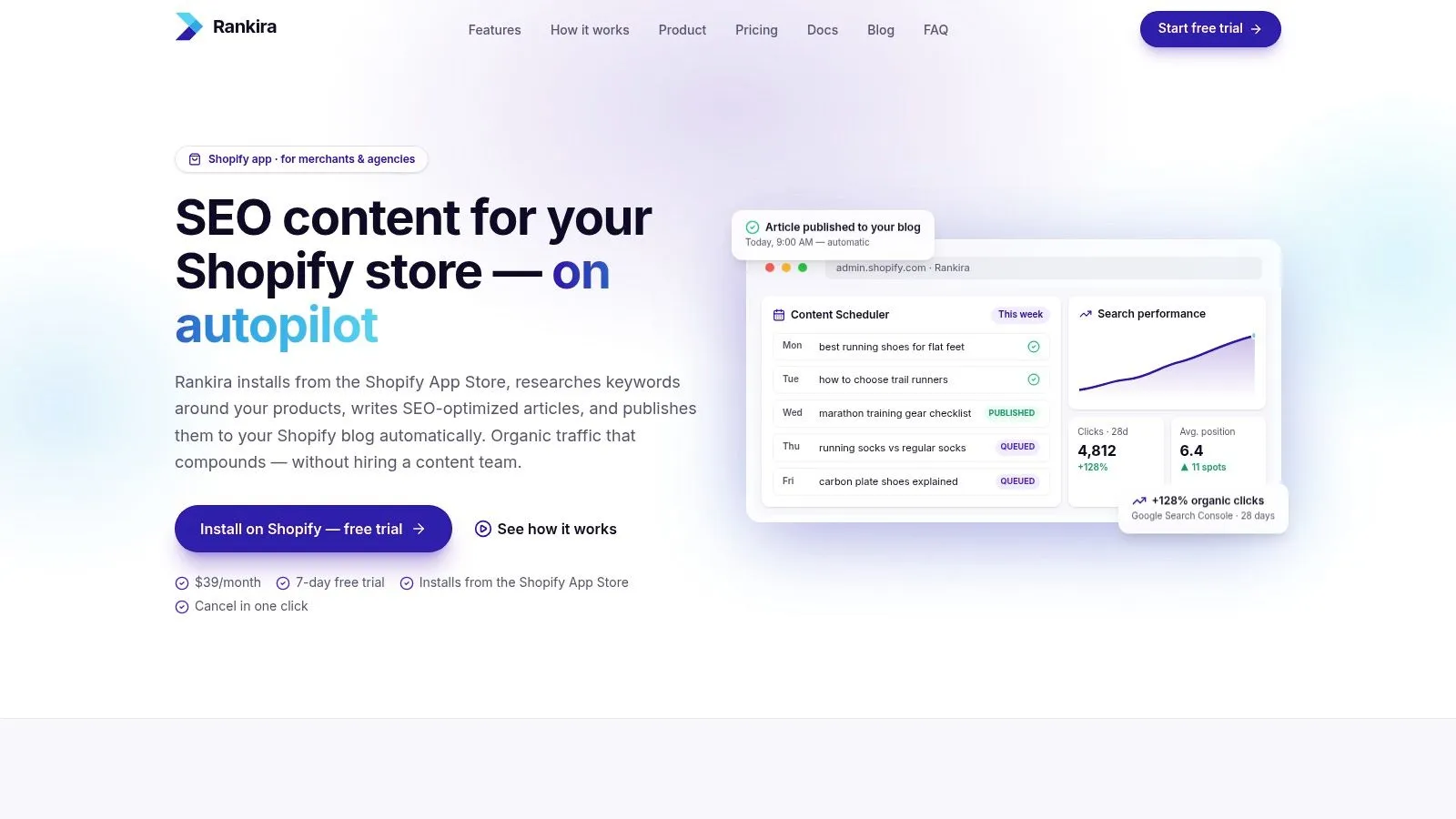
When the blog is the bottleneck, a research login in another tab does not help. Rankira is a Shopify app that stays inside admin, studies the catalog, and turns that context into scheduled blog posts.
What it actually publishes
Keyword research runs from the store's products, competitors, and Google Search Console data, with volume and difficulty scores on each idea. The Search Console connection is read-only, links your Google account so the app can read search performance, and can be disconnected at any time. It can also wait until after setup. A finished article is a normal Shopify blog post: headings, a featured image in one of five styles, a meta description saved to Shopify's SEO field and the excerpt, a clean URL handle, tags, and internal links to products, collections, and pages.
Merchants can mark best-selling collections as priority so those pages get linked more often. Balanced or sales-driven goals get buying guides and product roundups, steering research toward buying intent. The calendar is drag-and-drop, one keyword a day, up to seven days a week. Each post can publish on schedule or wait as a draft. A settings screen also picks which Shopify blog receives articles, so SEO content can sit apart from store announcements.
There is a rich-text editor and an AI section rewriter when a paragraph misses the brand. Settings cover 12 writing tones, more than 150 languages, and 190+ target regions. Images land in Shopify Files, and published posts plus drafts remain on the store after uninstall.
Practical rule: Read the first drafts before automatic publishing stays on. Off-brand lines and thin sections still need a person, even when the calendar is full.
Standard is $39 per month on the Shopify invoice. That single plan includes every listed feature, and a seven-day trial charges nothing if it is canceled first. Early posts still benefit from a human edit before they go out. The backlink exchange is included, though every store must pass an automated content check to join, and participants need a proper custom domain because .myshopify.com links carry no SEO value. Each backlink points at one exact URL. Rename that page afterward and the link lands on a page that no longer exists, so the ranking strength it was passing goes with it.
2. Semrush
Semrush is the wide research bench. Keyword and competitor reports, position tracking, backlink analysis, site audits, and on-page ideas sit in one toolkit, which is why agencies keep it when they watch several domains.
A 2024 survey of SEO professionals found that 77% used SEO tools, and multi-tool setups were common, with 33.1% using two tools. Semrush often becomes one of those two. It does not become the system that writes the Shopify post. Listed SEO Toolkit plans start at $139.95 per month, and a seven-day trial is available on eligible plans. The range is real, and so is the time it takes to learn project limits.
It stops being the daily driver once the question changes from what to target to who publishes on Tuesday. A content gap analysis still has to end as a draft inside Shopify, which this platform does not place for you.
Where the fee is earned:
- Research depth: Competitor keywords, positions, and backlinks share one login.
- Multi-site tracking: Useful when an agency runs more than one store.
- Not a publisher: Blog scheduling and Shopify drafts stay outside the product.
Open it at Semrush.
3. Ahrefs
Paid plans start with Starter at $29 per month, then climb once competitor research and higher limits matter. That entry price is why many owners try Ahrefs before a full suite. The job it does well is narrower than the price ladder suggests.
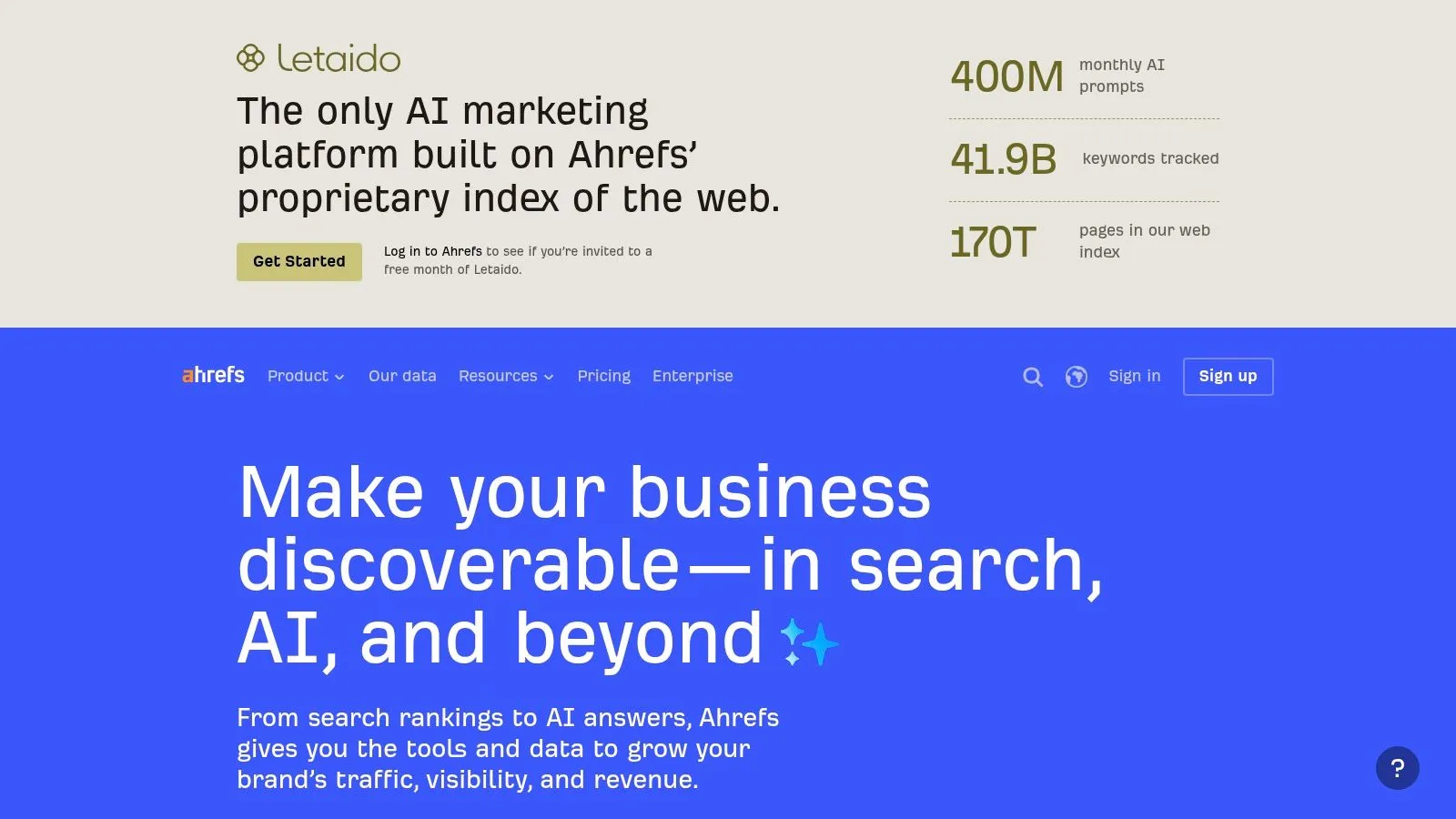
Keywords Explorer, Site Explorer, Site Audit, and Rank Tracker are the working set. Verified site owners can reach some data through free tools, enough to spot obvious index or link issues on their own property. Deeper competitor work sits behind a paid plan, and some subscriptions use credits or usage caps. None of that writes or schedules a Shopify article.
Pull it out when a rival blog is outranking the store and the queries and links behind those pages are unclear. Export the topics, then publish somewhere else. If a third-party estimate disagrees with Search Console on your own URLs, trust the first-party query list for your pages and use Ahrefs for everyone else's.
Stop treating it as a content desk when:
- You need a publisher: It is not an automated Shopify content publisher.
- Credits run out mid-audit: Higher limits are a paid decision, not a toggle.
- The catalog should brief the writer: It does not read products and propose the next post.
The platform is at Ahrefs.
4. SE Ranking
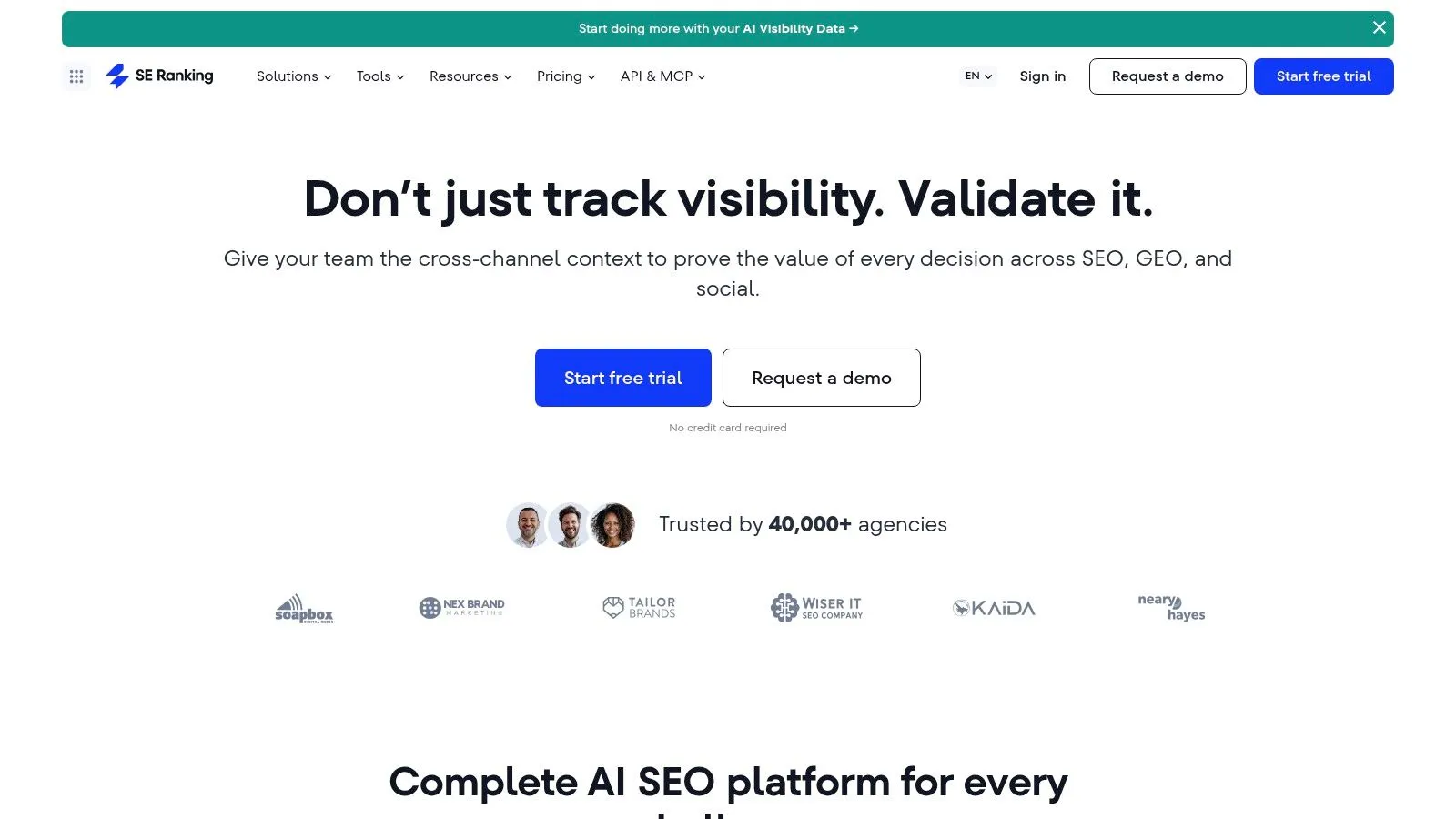
Operators who track several sites usually want a project-based account. SE Ranking fits that pattern. Rank tracking, keyword and competitor research, backlink tools, and website audits sit with Google Search Console, Google Analytics, and reporting integrations. Content-marketing and AI-visibility features are on the platform too. Articles still do not go straight onto a Shopify blog.
The FAQ offers a 14-day free trial without a credit card. There is no permanent free plan, and extra capacity plus agency options raise the bill. A single-store merchant should check project limits before treating it as a cheap stand-in for a bigger suite. A side-by-side of SE Ranking or Semrush helps when the choice is reporting depth, not publishing.
A clean rank report does not update a blog that has been quiet since spring.
Writing and scheduling stay a second workflow. If that second workflow is the actual delay, another all-round suite will not fix it. Details are on SE Ranking.
5. Moz Pro
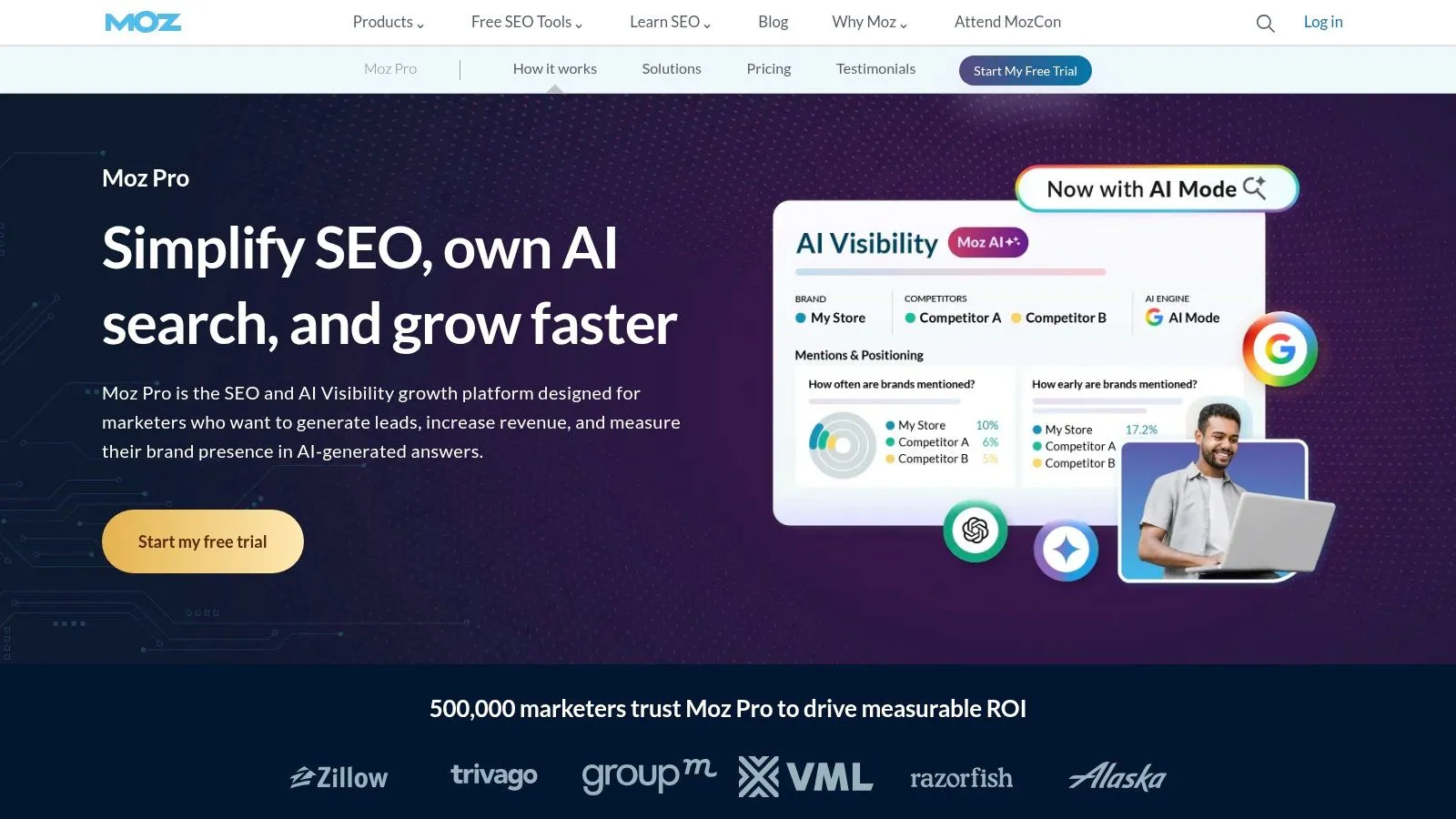
Moz Pro covers keyword research, rank tracking, site crawling, and link research for a small business or a growing team that wants those jobs in one login. It is not a Shopify writing system, and that limit shows up in the first week if the blog is empty.
Listed plans include an entry option at $49 per month. Site, keyword, and crawl allowances change by plan, and annual billing is discounted against monthly billing. Confirm trial availability and the exact caps before subscribing. AI-search visibility and content-brief features appear on listed plans. A brief is not a publish button.
Match the allowance to the catalog:
- One store, a short keyword list: A lower cap can be enough for monitoring.
- Large collection URL sets: Crawl limits run out faster than the marketing page implies.
- A weekly article habit: An editor and a Shopify publish step are still required.
See current limits on Moz Pro.
6. Surfer
Surfer is an on-page workshop, not a store operating system. The Content Editor scores a draft against pages that already rank for a query, which helps when a writer is stuck on a product guide. Content Audit, keyword research, topical maps, and AI article generation sit on listed plans, and those plans spell out article and audit limits.
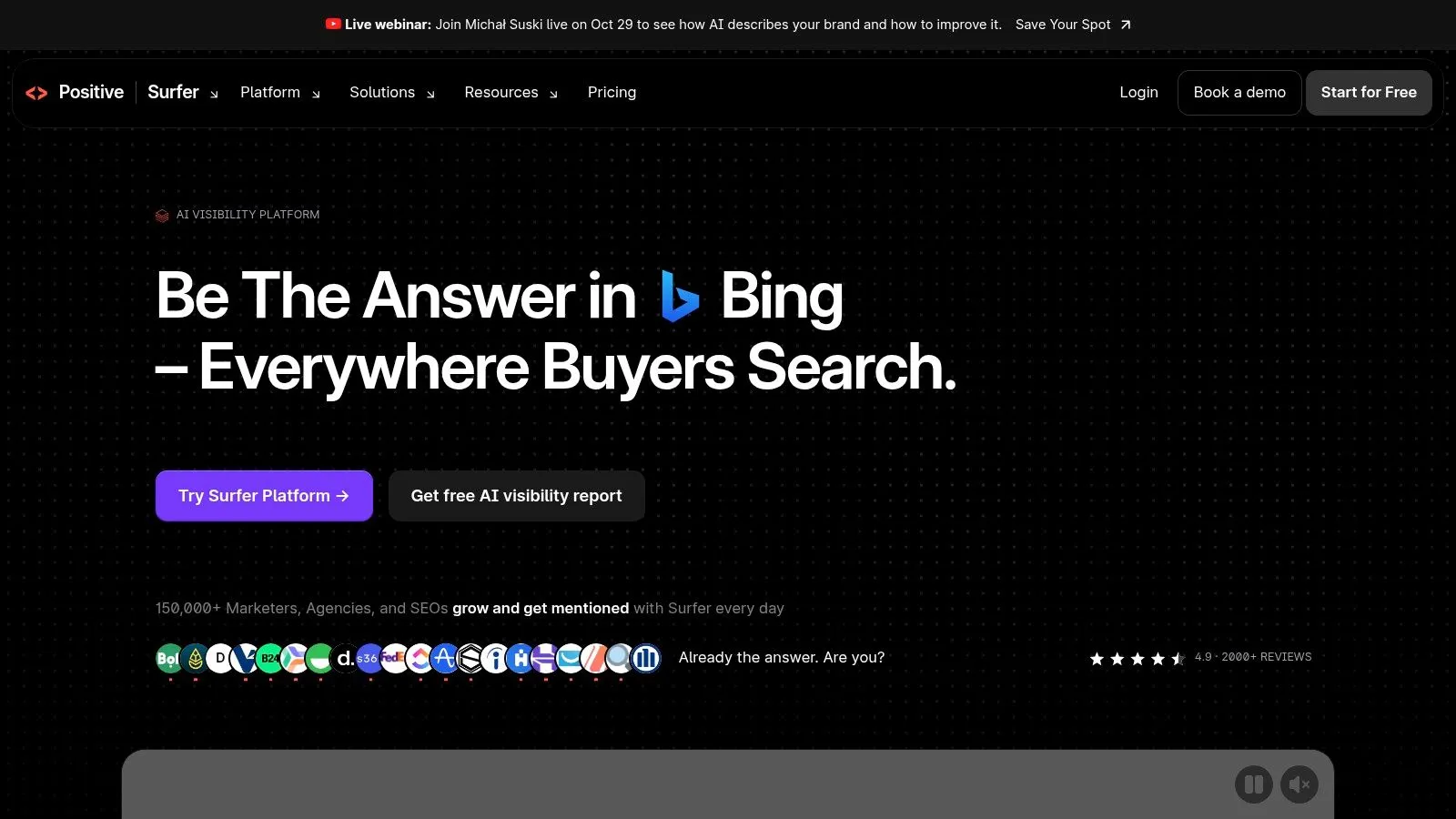
It is weaker than a full suite on backlinks and broad technical SEO. That is fine if an auditor is already on the team. It is a poor buy if someone expected a crawler and a link index in the same subscription. Shopify publishing remains a separate step or an integration, so a finished score still has to land in the blog editor.
Stores that want a writing standard without living in a second app can start from a guide to SEO content writing and a tool that saves the post as a Shopify draft. Surfer stays the right pick when a person is writing and will publish the page themselves. The product site is Surfer.
7. Screaming Frog SEO Spider
Broken links, redirect chains, and missing or duplicate metadata never show up in a keyword export. Screaming Frog SEO Spider is desktop software that crawls those faults. The free version covers up to 500 URLs. A paid licence is listed at £199 per user per year, removes that cap, and adds JavaScript rendering, crawl comparisons, and links to Google Analytics, Search Console, and PageSpeed.
A catalog of a few hundred products, plus collections, tags, and posts, can pass 500 URLs quickly. The free crawl is a sample, not a full diagnosis. Reports assume someone can read status codes and duplicate titles. The spider will not build a topic plan or generate a post.
Run it after a theme change or a bulk URL edit that might have stranded pages. An internal linking audit is a common follow-up, because the crawl can show product URLs that nothing points to. Skip it if the only pain is a blog that has not shipped since spring.
Desktop crawlers find structural mistakes. They do not fill a content calendar.
Download it from Screaming Frog SEO Spider.
8. Google Search Console
Start here even if every paid login is already on the shortlist. Google Search Console is free for a verified site. It reports queries, clicks, and impressions Google recorded, plus indexing tools, URL inspection, and alerts for some site issues.
PPC Land's account of Search Console notes that Google launched the service on 2 June 2005 as Google Sitemaps and, in a 2018 redesign, extended the Performance report from 90 days to 16 months. That longer window is what you want before judging a new publishing cadence. The product will not write articles, schedule posts, or crawl like a desktop spider, and it only covers Google.
Verification is required. Use it to check ranking on Google with first-party numbers instead of a third-party guess. When clicks fall while impressions hold, spotting AI Overview traffic loss is a reporting question, not a reason to buy another keyword database. The tool itself is Google Search Console.
9. Yoast SEO for Shopify
Yoast SEO for Shopify sits in admin and comments on the page being edited. The offer is real-time SEO and readability analysis, structured data, a bulk editor for SEO fields, and Yoast SEO Academy. Listed pricing is $19 per 30 days or $190 per year, excluding VAT, with a 14-day trial on the Shopify App Store. The subscription is per website.
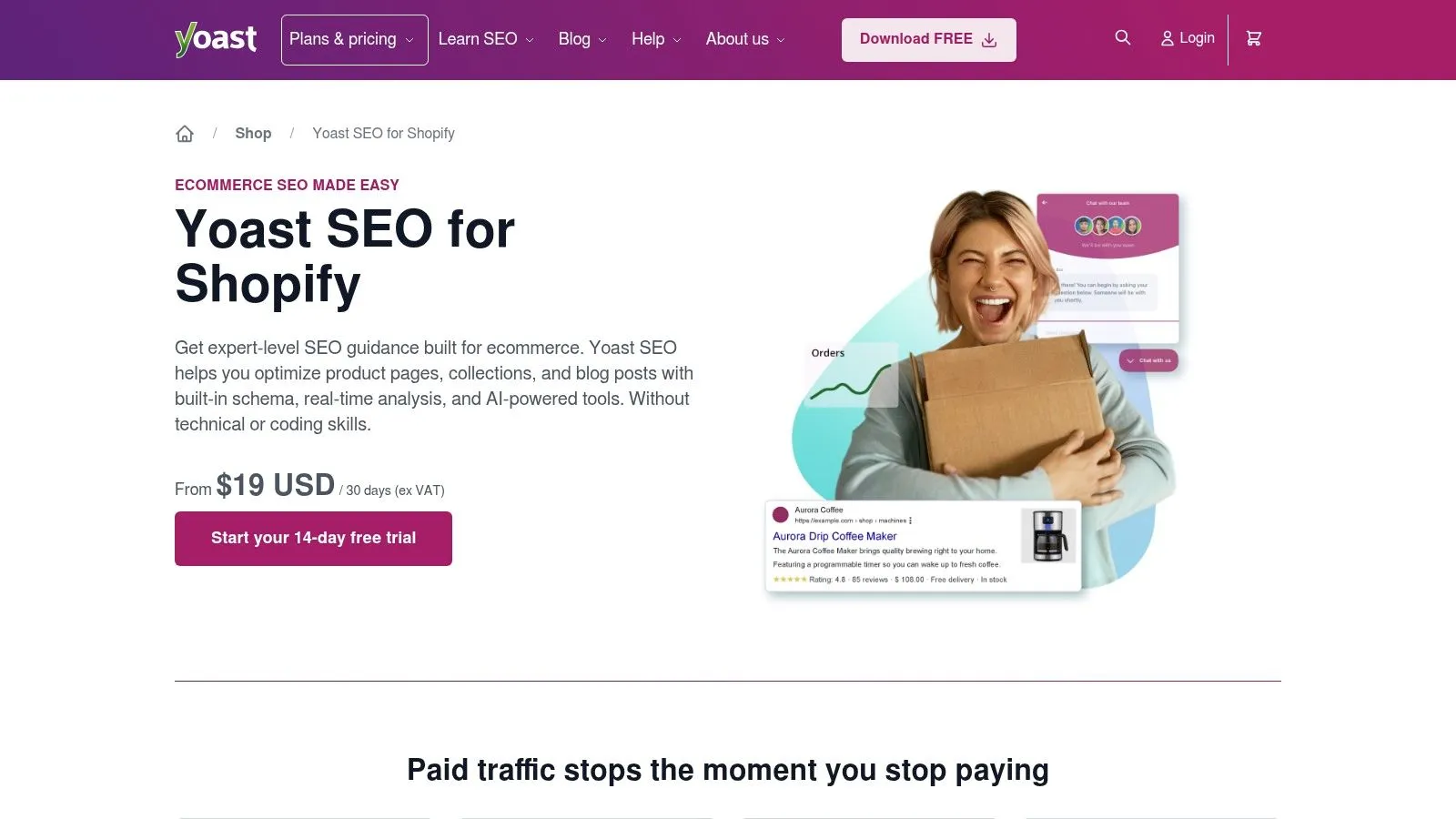
It is more store-specific than Semrush or Ahrefs, and far less useful when the job is competitor keyword research across the open web. It also does not run an article calendar or an automatic publishing pipeline. Someone still has to write the post.
Use it to tighten titles, descriptions, and readability on products that already exist. A sensible meta description length is the kind of on-page fix it can flag while you type. Do not expect it to replace a research stack or a writer. The app page is Yoast SEO for Shopify.
10. TinySEO (formerly TinyIMG)
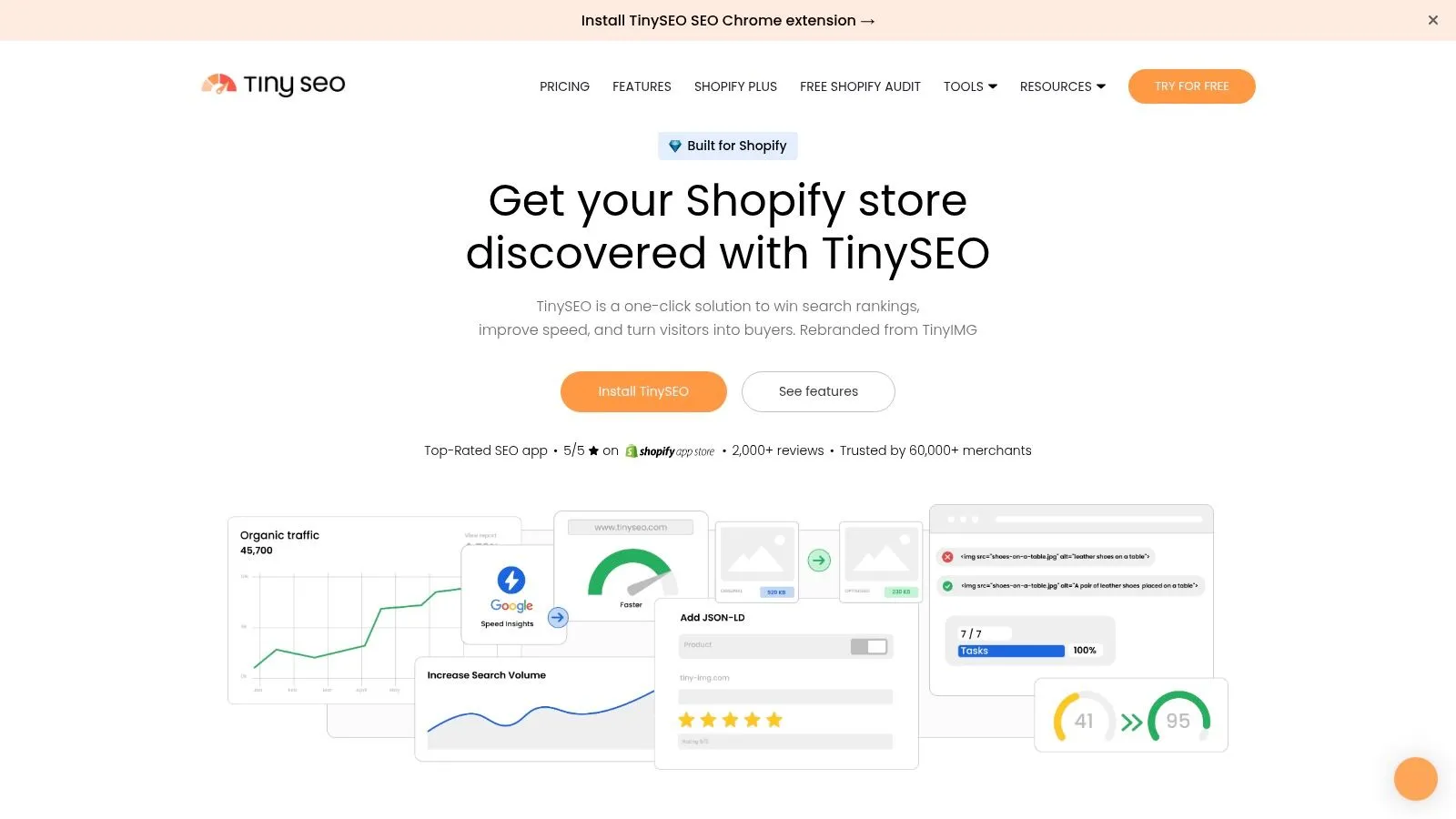
TinySEO, formerly TinyIMG, handles store-level technical work inside Shopify admin. Image compression, resizing, alt text, filenames, metadata, structured data, audits, redirects, and speed checks are the core. AI metadata and product descriptions are included. Long-form topic planning and deep competitor research are not the point of the app.
SNS Insider's 2025 SEO software market analysis estimates that cloud-based products held about 61% of global market share. An app that installs into the commerce admin matches how smaller teams already buy this category of software. TinySEO is free to install, with paid plans listed at $14, $23, and $49 per month. Image and AI allowances are quotas, so review permissions and test the theme before compressing the whole catalog.
Keep it on the catalog, not the editorial calendar:
- Speed and images: Heavy product photos are the usual win.
- Metadata at scale: AI fields help when hundreds of products lack alt text.
- Not a blog desk: Keyword strategy and weekly articles still need another tool.
Plan details are on TinySEO.
Starting Price, Free Options, and Shopify Blog Publishing at a Glance
For a Shopify store, the key distinction is whether a tool supplies data or also handles publishing. Rankira researches keywords, generates articles, and publishes them to a Shopify blog. The other tools in this comparison do not publish blog posts directly to Shopify.
| Item | Starting price | Free option | Publishes to Shopify blog | Best for |
|---|---|---|---|---|
| Rankira | $39/month | 7-day free trial | Yes | Shopify blog planning, writing, and publishing |
| Semrush | $139.95/month | 7-day trial on eligible plans | No | Broad SEO research and reporting |
| Ahrefs | $29/month | Free tools for verified websites | No | Keyword, competitor, and backlink research |
| SE Ranking | Paid plans | 14-day free trial; no permanent free plan | No | SEO monitoring across multiple sites |
| Moz Pro | $49/month | Trial availability not specified | No | Core SEO tools for small businesses and teams |
| Surfer | Paid plans with article and audit limits | Free option not specified | No; a separate step or integration is needed | Content research and on-page optimization |
| Screaming Frog SEO Spider | £199 per user per year | Free crawl up to 500 URLs | No | Technical SEO crawling and audits |
| Google Search Console | Free | Free | No | Google search performance monitoring |
| Yoast SEO for Shopify | $19 per 30 days | 14-day trial | No | Shopify SEO guidance and structured data |
| TinySEO (formerly TinyIMG) | Free to install; paid plans from $14/month | Free-to-install tier | No | Shopify technical SEO, speed, and image optimization |
Prices and free access vary by tool. The publishing column clarifies what each product does in a Shopify workflow: Rankira handles research through publication, while the other listed options support research, monitoring, optimization, or technical work.
Choosing Your Stack Before Measuring Results
Pick the tool that matches the stall. If posts already go out and the unknown is queries, links, or crawl errors, Semrush, Ahrefs, SE Ranking, Moz Pro, Surfer, or Screaming Frog will add data on top of a workflow you already have. If the blog itself stopped, another dashboard will not reopen it. A Shopify-native path that researches from the catalog, drafts in admin, and either schedules posts or holds them for review is the piece that replaces the manual chain.
Give that choice two to three months of steady publishing before judging it. Rankings compound slowly, and one quiet week will not show on a fair chart. Google Search Console should be connected from day one so clicks, impressions, and positions have a before and an after. Third-party rank trackers are a cross-check, not the baseline.
What to measure when clicks look messy
Zero-click behavior makes raw sessions a weak scoreboard. SparkToro's 2024 study using Datos clickstream data found that 59.7% of Google searches in the European Union ended without a click. A European store can publish useful articles and still see fewer visits than the impression chart suggests. Watch impressions, branded queries, and whether product or collection pages pick up demand, not blog sessions alone.
Google's AI optimization guide says there is no special markup required for generative AI search, and that structured data is not a prerequisite for appearing in AI features. Structured data still matters for ordinary rich results when the marked-up facts are visible on the page and valid. Google also reported in August 2025 that AI Overviews were tied to more complex queries and higher-quality clicks, while total organic click volume stayed relatively stable year over year. Do not buy a tool because it promises a special AI schema. Buy one that keeps impressions, clicks, and on-site outcomes in the same weekly review.
A stack that stays small
Most stores do not need four subscriptions. A practical set is Search Console, one research or audit tool when competitor or technical questions are real, and one place that can publish. Yoast or TinySEO can cover on-page fields and images without pretending to be a newsroom. Surfer helps when a person is writing and wants a score against the current results page. Screaming Frog is the occasional technical pass, not a monthly content habit.
Before adding a second paid login, weigh SEO app costs and features against the hour it takes to move a draft from a document into Shopify. If that hour is the cost that repeats every week, software that only adds charts is the expensive option.
Rankira plans keywords from a Shopify catalog, writes the article with internal links to products and collections, and publishes it to the store blog on a schedule or as a draft for approval. If website SEO software has been listing topics without shipping posts, that publishing gap is the job it is built to close. See the workflow inside admin at Rankira.
Keep reading
All articles
Shopify SEO
Search Engine Optimization Plan for Shopify: 2026 Guide
Build a search engine optimization plan for your Shopify store: set a baseline, pick keywords, publish in batches and measure results.
11 min read
Shopify SEO
10 SEO Software Platform Options for Shopify Stores
Compare 10 SEO software platform options by capabilities, use cases, and Shopify fit, from keyword research to publishing and reporting.
11 min read
Shopify SEO
Keyword Density SEO: How to Calculate and Use It
Keyword density SEO is a percentage, not a ranking target. See the formula, sample counts, and how to place phrases without stuffing.
12 min read
Put your Shopify blog on autopilot
Rankira researches keywords, writes SEO articles, adds internal links, and publishes them to your store — every week. Start with a 7-day free trial.